
Maps tell a story -
see what you are missing
We love maps, and we think they should be easy to make. That's why we built BatchGeo, the fastest way to create Google Maps with your data. Just highlight your spreadsheet data from Excel or other software, copy, and paste it into our tool. It accepts addresses, intersections, cities, states, and postal codes. We do the hard work of figuring out where all your data lives in the real world.
Get Started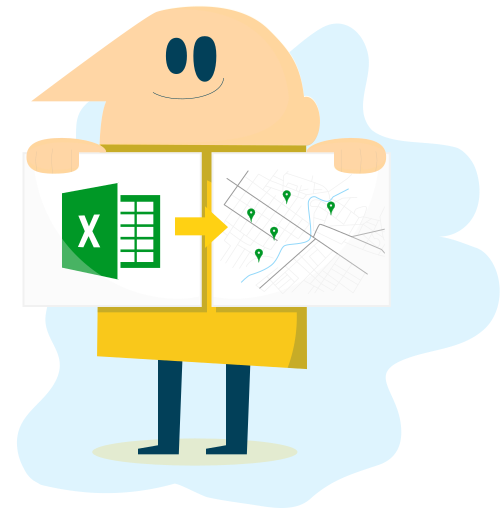


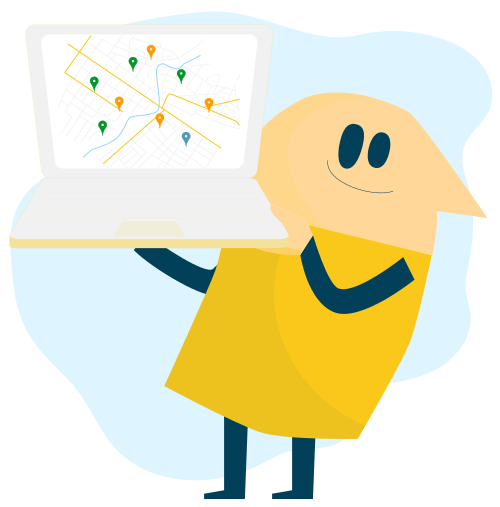

Map Excel data and turn spreadsheets into interactive Google Maps.
Turn spreadsheets into interactive Google Maps. As an easy map maker and online mapping tool, BatchGeo is one of the fastest ways to create Maps from Excel Data and other spreadsheet sources. Simply copy and paste data from Excel, Google Sheets, or other spreadsheet software to instantly create a map from spreadsheet data.
BatchGeo supports addresses, intersections, cities, states, postal codes, and coordinates. We handle the hard work of geocoding addresses, mapping coordinates, and placing your data accurately on Google Maps. No GIS experience required. No complex setup. Just fast, reliable GIS map making made simple.
Use BatchGeo to visualize location data, perform data analysis, and uncover geographic trends that charts and graphs alone cannot show. You can organize map data using groups, map multiple points, explore multi point routing, and create maps for real-world use cases like sales mapping, store locators, and real estate mapping.
Use Grouping to Make the Most of Your Map
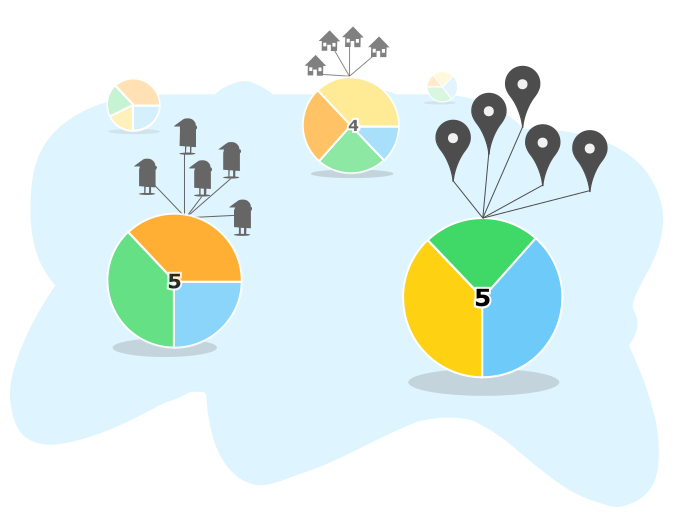
Unlock the full potential of your BatchGeo maps with Grouping, a simple yet powerful way to organize and filter your data visually. In this tutorial, we'll show you how to use grouping to reveal insights, find patterns, and make your maps more interactive and meaningful.
Calculate Distances Between Locations
Need to measure the distance between your map locations? We'll show you how to turn Excel spreadsheet data into a Google Map.
How to Map Latitude and Longitude
Turn a simple list of coordinates into an interactive map, no coding required! Turn Excel spreadsheet data into a Google Map.
Choropleth Style Boundary Maps
Create stunning choropleth style maps, also known as boundary maps, directly from your spreadsheet data using BatchGeo.
Using BatchGeo
The best way to get a feel for BatchGeo is to try our free tool. For more advanced uses, dig deeper into the functionality behind our easy-to-use mapping tool. Learn about how we've optimized for mobile (including iPhone and iPad apps), how to export your map data, and more details behind our technology.
Frequently Asked Questions
What is BatchGeo and how does it work?
BatchGeo is a free online mapping tool that turns spreadsheet data into interactive Google Maps. Simply copy your data from Excel, Google Sheets, or any spreadsheet, paste it into BatchGeo, and click "Map Now." We automatically geocode addresses, city names, zip codes, and coordinates to place your data on a map.
Is BatchGeo free to use?
Yes, BatchGeo offers a free tier that lets you create maps with up to 250 rows of data. For larger datasets, advanced features like password protection, and ad-free maps, BatchGeo Pro plans start at $99/month.
What types of location data does BatchGeo accept?
BatchGeo accepts full street addresses, city and state names, zip/postal codes, latitude and longitude coordinates, IP addresses, and even landmark or business names. We support data from over 200 countries worldwide.
Can I embed a BatchGeo map on my website?
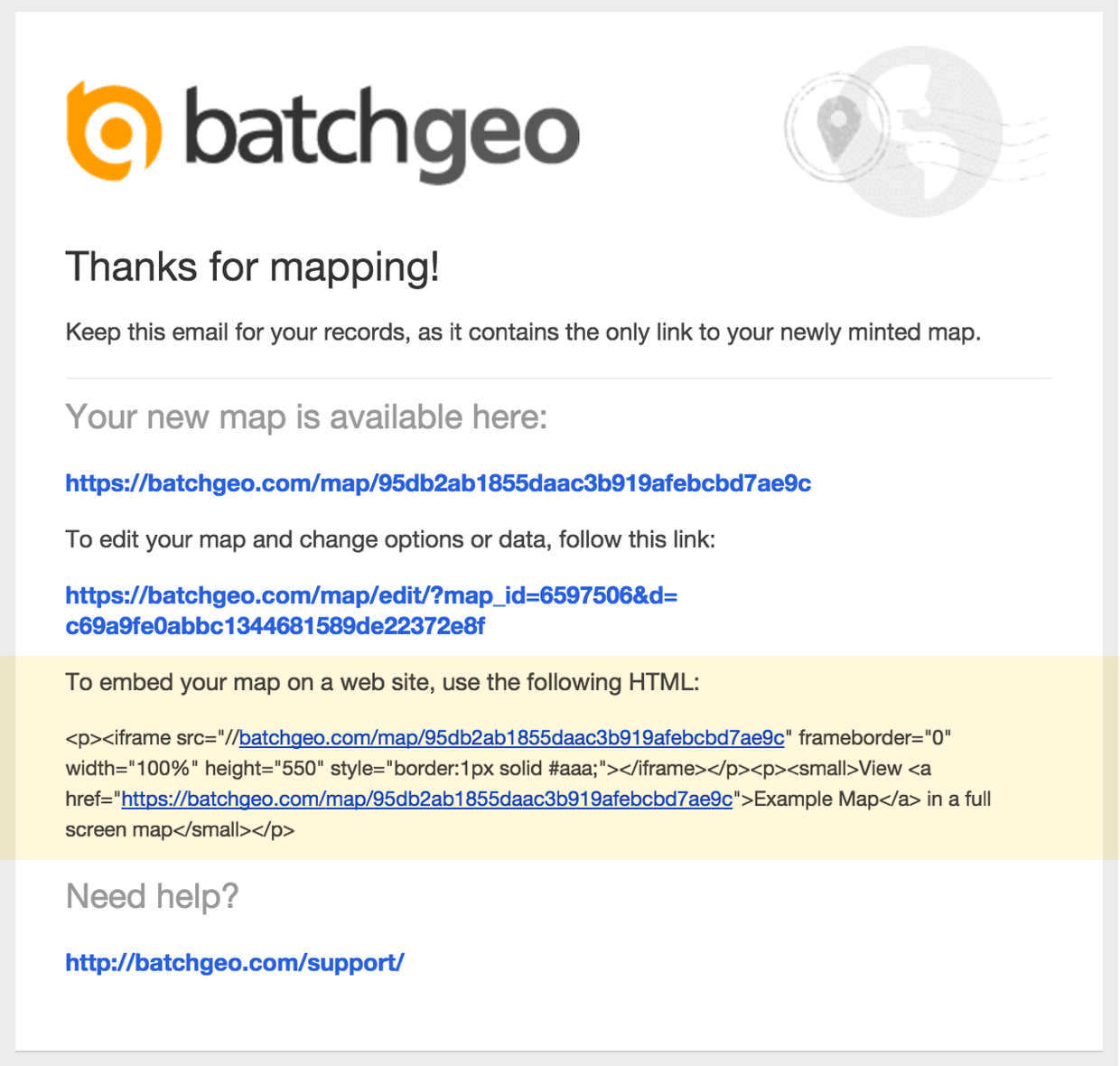
Absolutely. After saving your map, you receive embed code that works like embedding a YouTube video. Just paste the HTML snippet into your website, blog, or CMS. The map is hosted on BatchGeo servers and displays seamlessly on your page. Learn more about embedding maps.
How do I share or update a map after creating it?
Every map gets a unique URL you can share via email, social media, or messaging. To update your map, use the edit link sent to your email when you saved the map. You can modify data, change settings, and re-save at any time. See our guide on editing map data.
Explore More Features
Used by